One folder per function: organising photos from a big event
Why sorting event photos and videos into folders like Haldi, Sangeet and Group photos helps hosts, photographers and guests alike.
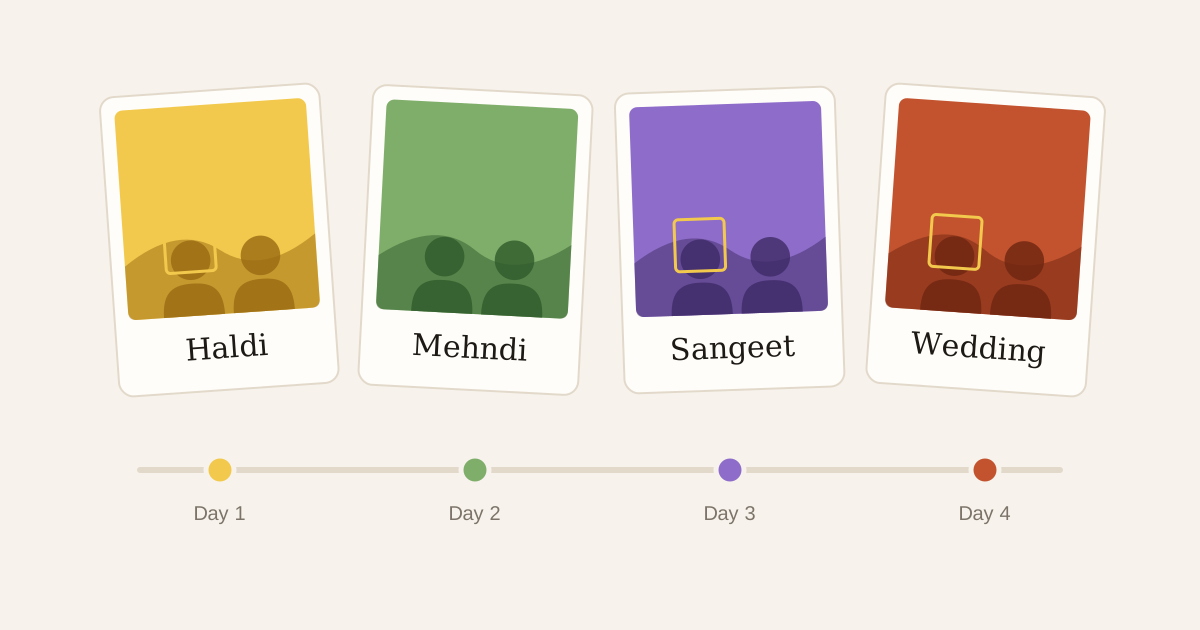
A big event isn't one event. A wedding is a haldi, a mehndi, a sangeet, the pheras and a reception. A conference is a keynote, three breakout tracks and an awards dinner. A college fest is a different stage every night.
When all of that lands in one long scroll, it gets hard to find anything. Even the host, who can see every photo, ends up scrolling past 900 sangeet frames to reach the pheras.
People remember events by moment
Nobody says "the photo from 8:42 pm". They say "the one from the haldi" or "the group photo after the varmala". Folders let the gallery follow the way people already think about the day.
It helps the photographer too. When a second shooter covers the mehndi while the lead is with the groom's family, each of them can upload straight into the right folder. Nobody has to sort it later.
How folders work in Glimpse
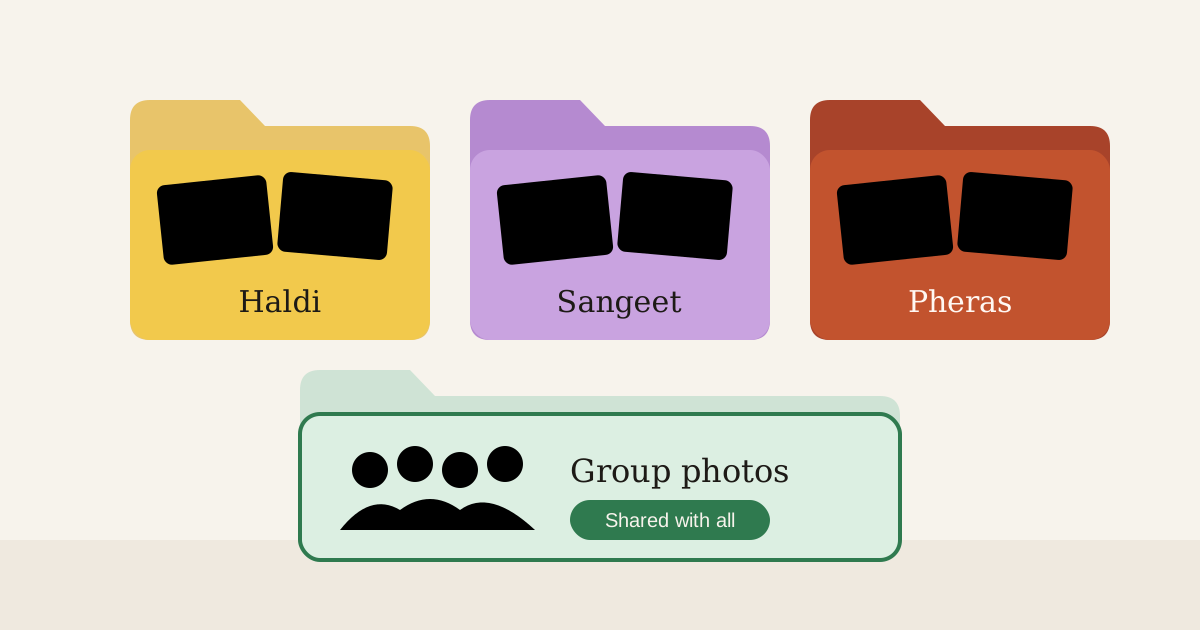
Every event starts with one folder. The photographer or studio can add more, rename them, and drop photos or videos into whichever one fits. A photo can sit in more than one folder if it belongs to both, say "Sangeet" and "Family".
Guests still see only the photos they're in. Folders just give those photos some shape, so a guest at a four-day wedding sees their haldi photos together instead of mixed in with the reception.
Some photos belong to everyone
There's one kind of photo that face matching alone handles poorly: the big group shot. A hundred people on the lawn, half of them small and a little out of focus. Or the décor, the stage, the couple's entry, which everyone wants and nobody is "in".
That's what shared folders are for. Mark a folder like "Group photos" or "Highlights" as shared, and every guest sees it alongside their own matches. Everything else stays private.
A simple structure that works
For most weddings, something like this is enough:
- one folder per function
- a shared "Group photos" folder
- a shared "Highlights" folder for the photographer's best picks of the décor and the couple
For corporate events, folders per session or per day work well, with a shared folder for stage and venue shots.
Don't overthink it. Five clear folders beat twenty clever ones, and you can always rename them later.
Shooting an event soon?
Upload once and every guest gets a private gallery of the photos they're in.