Getting wedding photos to Nani without teaching her Google Drive
Older relatives often miss out on event photos because sharing tools are fiddly. How to make photo access simple enough for grandparents.
There's a particular phone call that happens in a lot of families after a wedding, or a marriage, as Nani would call it. Nani has heard the photos are out. She'd like to see them. Someone sends her a Drive link. She taps it, it asks her to sign in with a Google account she doesn't remember having, and that's the end of that.
Older relatives are some of the people who care most about event photos and some of the people least likely to get them.
Why the usual ways don't work
Most photo sharing tools quietly assume a confident smartphone user. They expect you to:
- have an account with a specific service and remember the password
- install an app
- understand folders, zooming and downloading
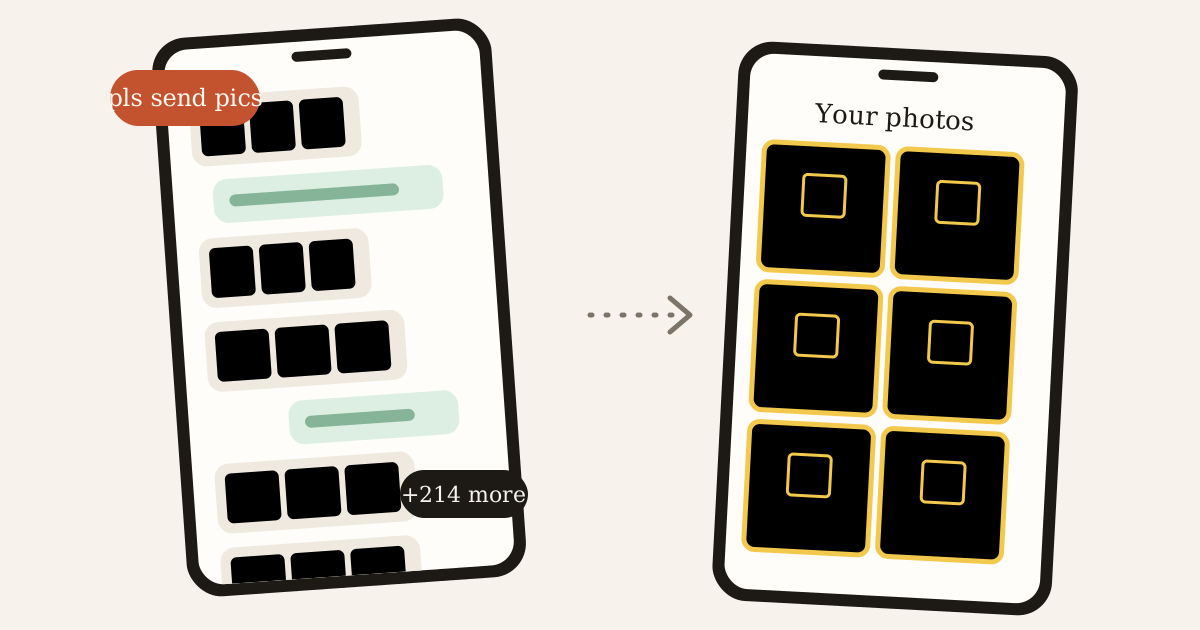
- scroll through hundreds of thumbnails to find one face
Each step is a place to get stuck. Put four of them in a row and it's no surprise the photos end up being shown on someone else's phone at the next family lunch instead.
What actually helps
When we designed Glimpse, we thought a lot about the least technical person in the family. A few decisions came straight from that:
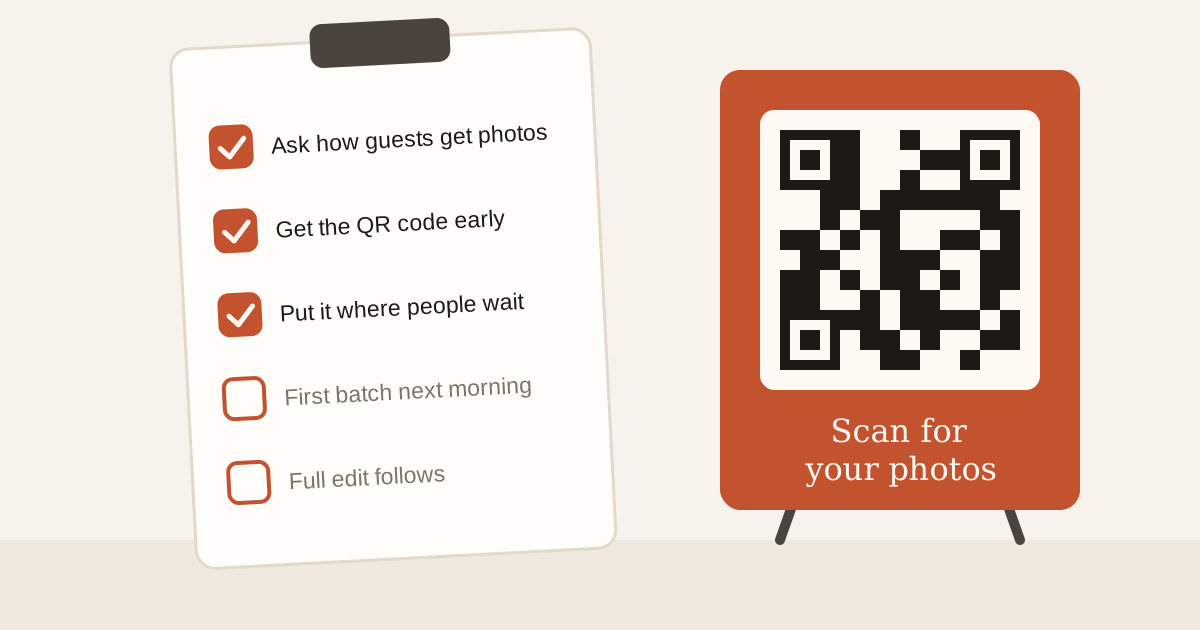
- No app. The gallery opens in the browser they already use, from a link or a QR code.
- No password. They sign in with their mobile number and a one-time code, the same way they already do for banking and deliveries.
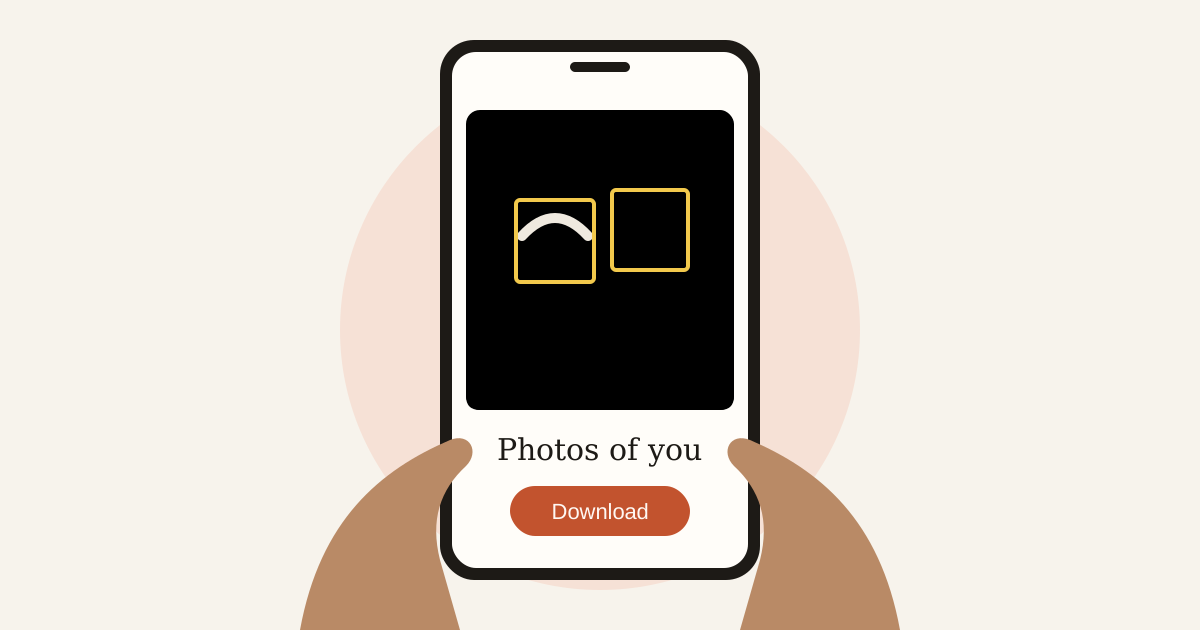
- No scrolling through strangers. Their gallery has only the photos they're in, so the first thing they see is themselves.
The one step that needs a little help is the selfies. That's where a grandchild sitting next to them for two minutes goes a long way. Front, left, right, done. After that they don't need to do anything else; new photos simply turn up.
A gallery that's actually about them
Something we didn't fully expect: older relatives often have very few good recent photos of themselves. Phone photos at family events tend to be taken by them, not of them. A wedding photographer, on the other hand, catches them dressed up, in good light, with the people they love.
Getting those photos into their hands, without a middleman, matters more than it might seem.
If you're the family's tech person
Here's a small routine that saves you a lot of calls:
- At the wedding, help them scan the QR code and add their selfies while you're both at the table.
- Show them where the gallery is once, and add it to their home screen.
- Tell them new photos will appear on their own over the next few days.
Then let them get on with it. They'll show you their favourite one at the next lunch, on their own phone this time.
Shooting an event soon?
Upload once and every guest gets a private gallery of the photos they're in.