 Glimpse
How to add guest photo delivery to your wedding package
Guest photo delivery is easy to offer and easy to explain to couples. Here's how photographers can package it, position it and set it up on the day.
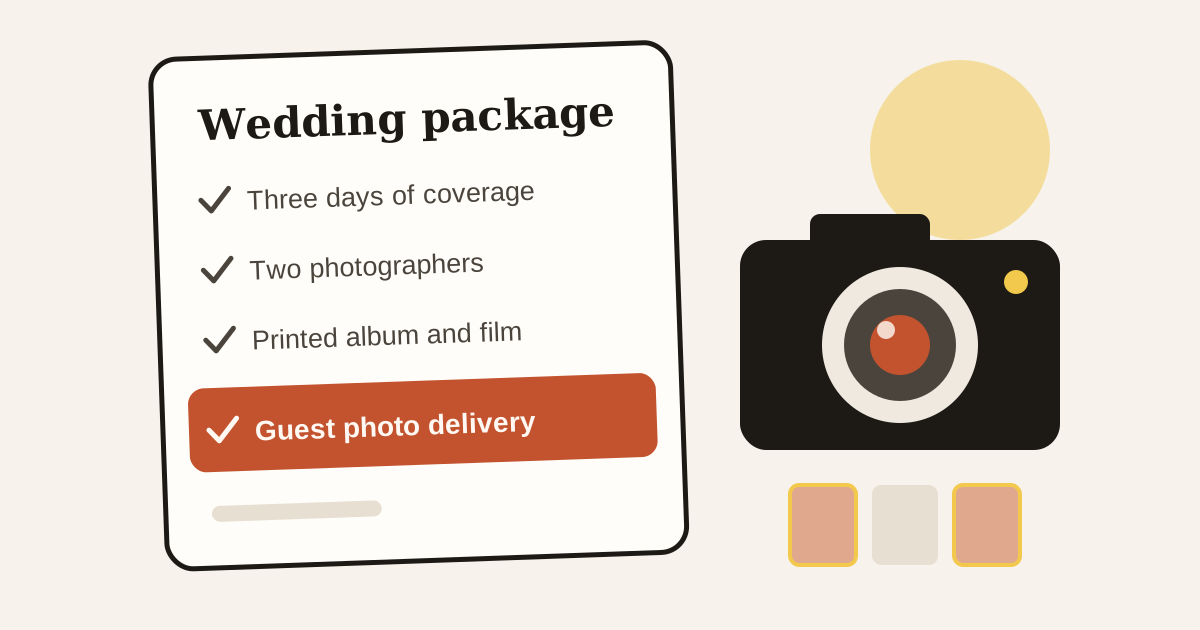
Most wedding photography packages read the same way: number of days, number of shooters, an album, a highlight film. Couples compare them line by line, and the conversation drifts toward price.
Guest photo delivery is a line that changes that conversation. It solves a problem couples already know they'll have, and it costs you far less effort than a second album.
Sell the problem, not the technology
Couples don't need to hear about face recognition first. They need to picture the week after their wedding, when relatives keep asking for photos and they're trying to answer from a honeymoon. Try something like:
"Every guest gets a private gallery of the photos they're in. They scan a code, take a selfie, and you never have to forward anything."
That's the whole pitch. If they want to know how it works, tell them. Most will just ask whether their parents can manage it, which is a fair question and one we've covered for older relatives.
Three ways to package it
There's no single right answer, and it depends on how you already price.
- Include it in everything. It becomes part of how you work, and a reason to pick you over a similar studio.
- Include it in your top two packages. This gives couples a concrete reason to move up a tier.
- Offer it as a named add-on. Easy to explain, and easy to test before you commit to it.
If you're not sure, start with the add-on for a few weddings. You'll quickly learn how couples respond and how much work it really takes.
What to promise, and what not to
Be clear about what the couple is getting. Good things to put in writing:
- which functions are covered, ideally one folder per function
- when the first photos go live, and when the final edits follow
- who can see what: guests see photos they're in, and the hosts can browse their event
Be careful about promising that every guest will be found in every photo. Face matching is good, but someone who's fully turned away won't be matched by any software. Say that you can tag people by hand when something's missed, and you'll have set the right expectation.
On the day
A little preparation does most of the work:
- Put the event's QR code on the welcome board and on the tables at the reception.
- Ask the couple to post the invite link in the family group once.
- Upload a batch of highlights the same night, while people are still talking about it.
That last one matters more than it sounds. A guest who opens their gallery before they've even got home tells other people about it.
The part that pays you back
Every guest who gets a gallery sees your work at its best, with your name on it. That's the idea behind treating delivered photos as small adverts. Hundreds of people, each looking at photos they care about, right when they're planning their own functions.
You can compare storage plans and try it on your next event with a 7-day free trial.
Shooting an event soon?
Upload once and every guest gets a private gallery of the photos they're in.