How to take a selfie that finds you in every event photo
Four simple tips for the selfie you add to an event, so face matching finds you in more photos with fewer misses.
When you join an event on Glimpse, we ask for a selfie. It's the one thing we need to find you in the photos, and it takes about ten seconds. But the quality of that selfie makes a real difference to how many photos come back.
The good news is that a good selfie for face matching is easier than a good selfie for Instagram. No angles, no filters, no flattering light. Just your face, clearly.
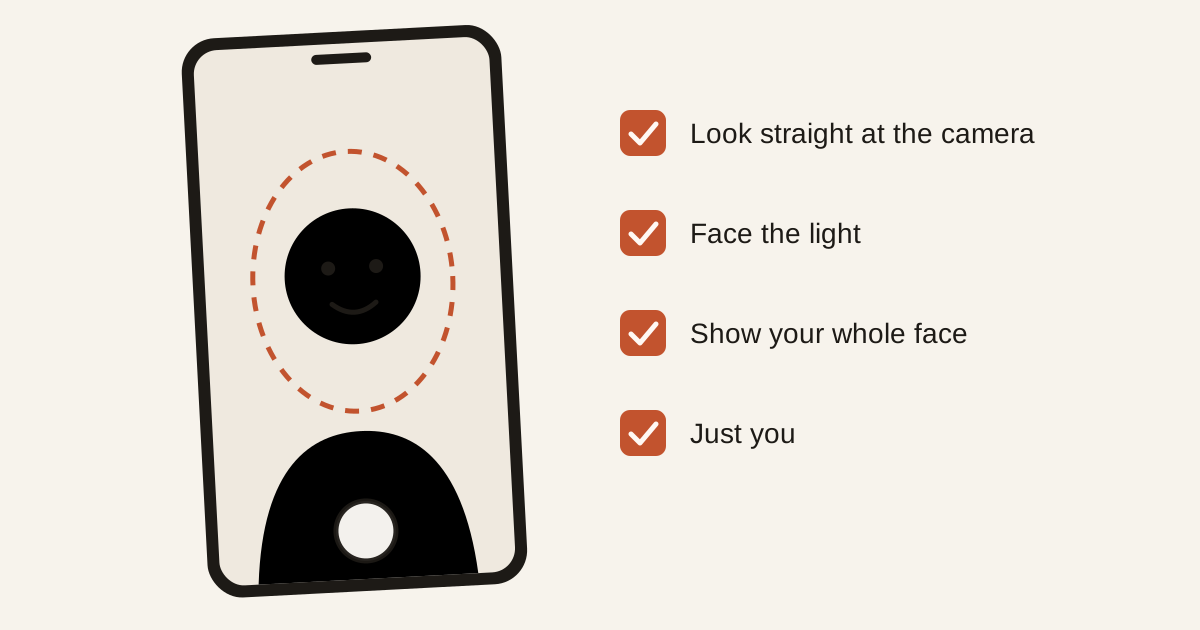
1. Look straight at the camera
Hold your phone at eye level and keep your face in the middle of the frame. Looking up from a low angle, or down from above, changes the shape of your face more than you'd think.
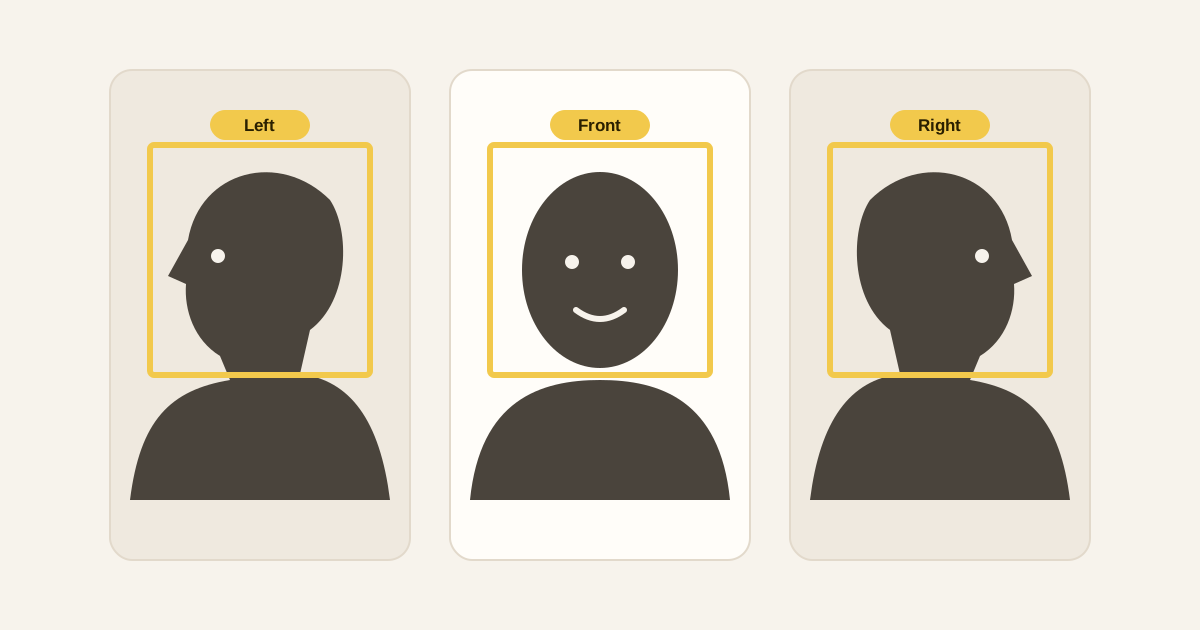
This first, front-facing photo is the one everything else is matched against. If you want, you can add left and right profiles afterwards, which helps with candid shots taken from the side.
2. Face the light
Stand facing a window or a lamp, so the light falls on your face rather than behind you. A bright window at your back turns your face into a silhouette. Strong shadows across half your face hide the features we're looking for.
You don't need studio lighting. An ordinary room in daytime is plenty.
3. Show your whole face
Take off sunglasses, masks and caps. Move hair away from your eyes. Normal glasses are usually fine, but if you wear them only sometimes, it can help to take the selfie without.
Don't worry about looking your best. It's private and never shown to anyone else. It's only used to find you in that event's photos.
4. Just you
Use a photo with only you in it. A group photo, a cropped screenshot or a heavily filtered image can confuse the matching, or worse, match someone standing next to you.
The simplest route is the "Take a selfie" button, which opens your front camera straight away. If you'd rather use a photo you already have, that works too, as long as it follows the same rules.
If photos are still missing
Face matching is good, but it isn't perfect. If someone is turned completely away, half hidden behind a pillar or in heavy shadow, no selfie will catch it. A few things help:
- add your left and right profile selfies if you haven't
- check the event's shared folders, where group photos often live
- ask the photographer, who can tag you in a photo by hand
And if you joined late, there's nothing to redo. Every photo already uploaded is searched for you as soon as your selfie is in, and new uploads keep matching after that.
Shooting an event soon?
Upload once and every guest gets a private gallery of the photos they're in.